
NEW Create issues from requirements, in bulk
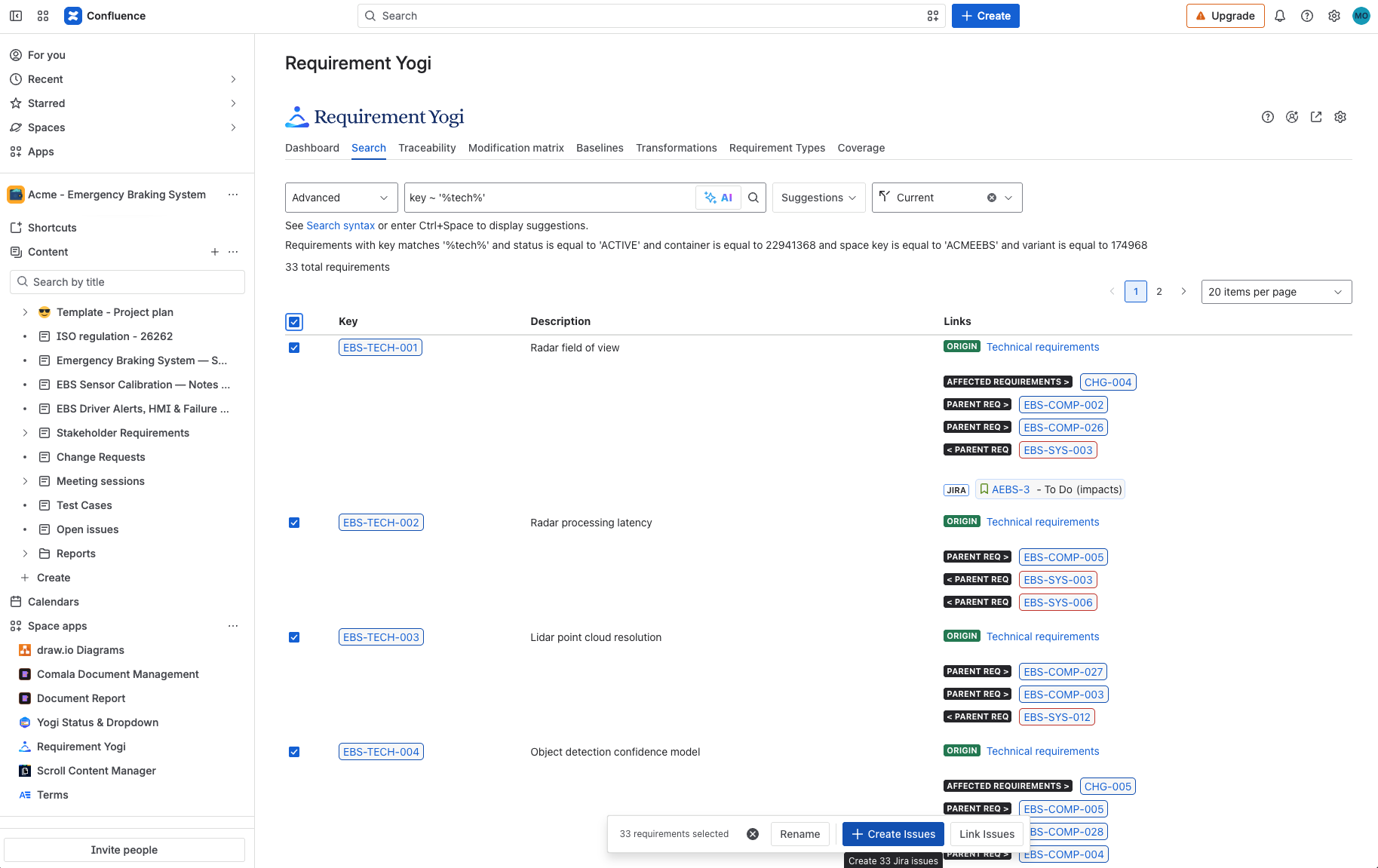
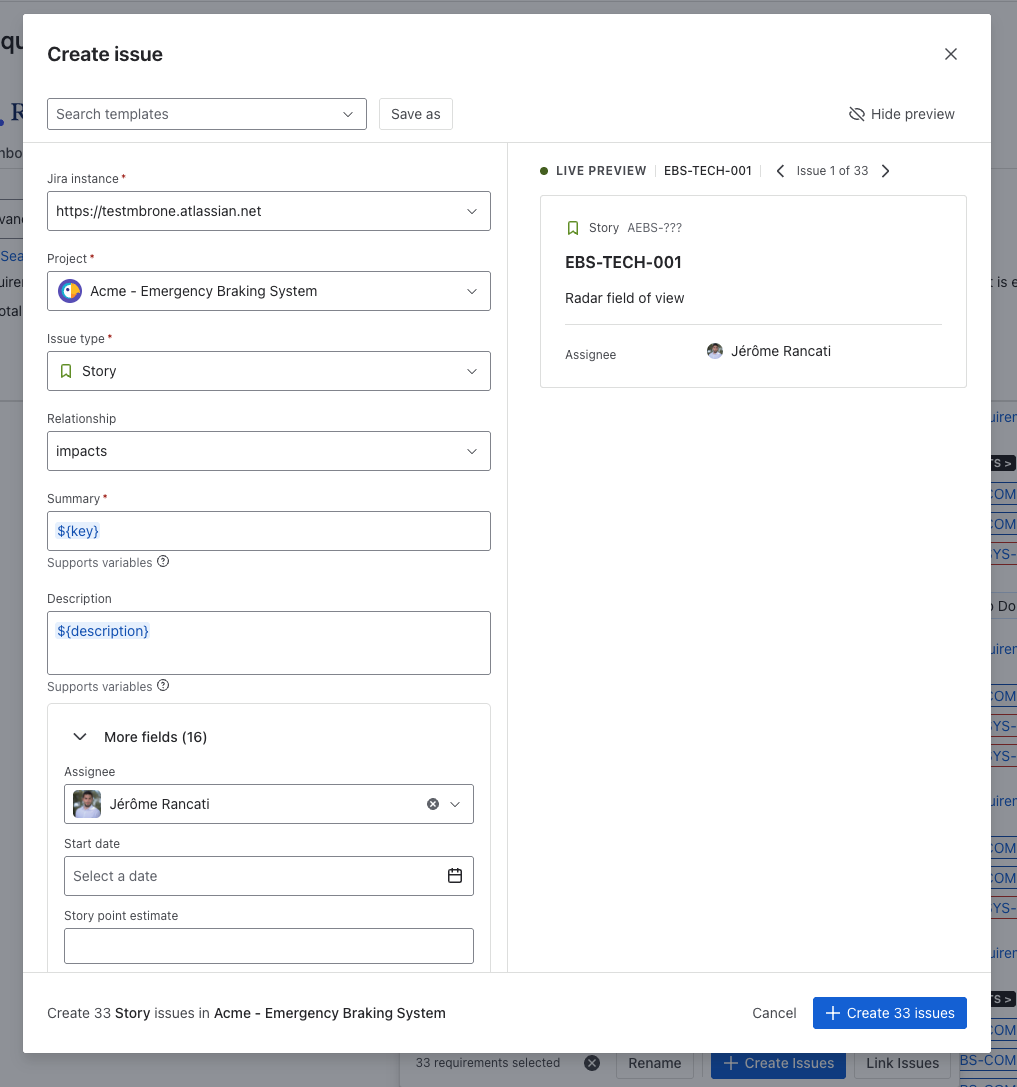
We have just implemented a new feature that will let you create Jira issues from requirements in bulk.
-
From the requirement’s detail, or from the search, click on ‘Create’
-
You can save templates and use variables for a quick creation of issues.
|
|
IMPROVEMENT Dashboard / Chart macro
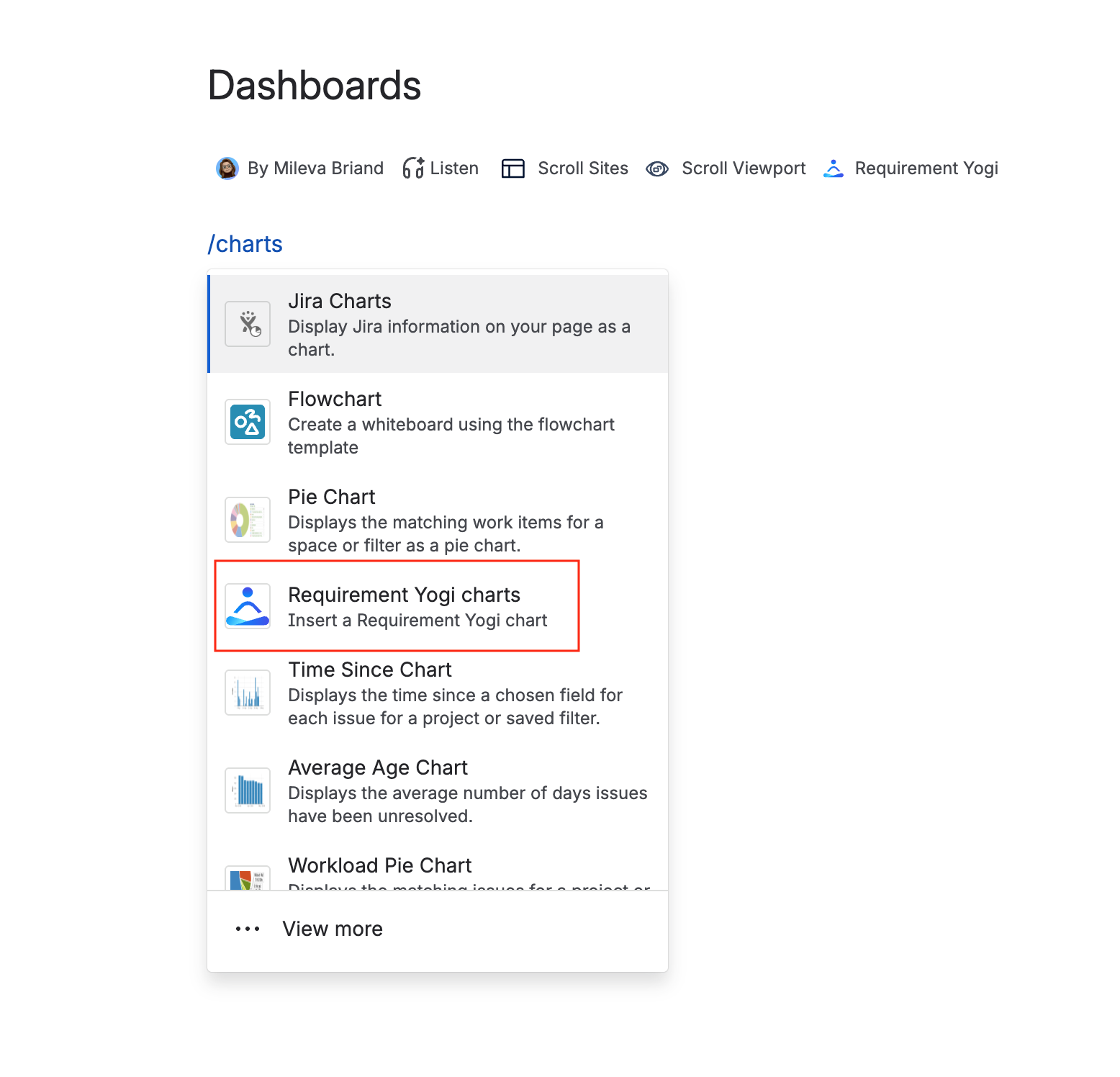
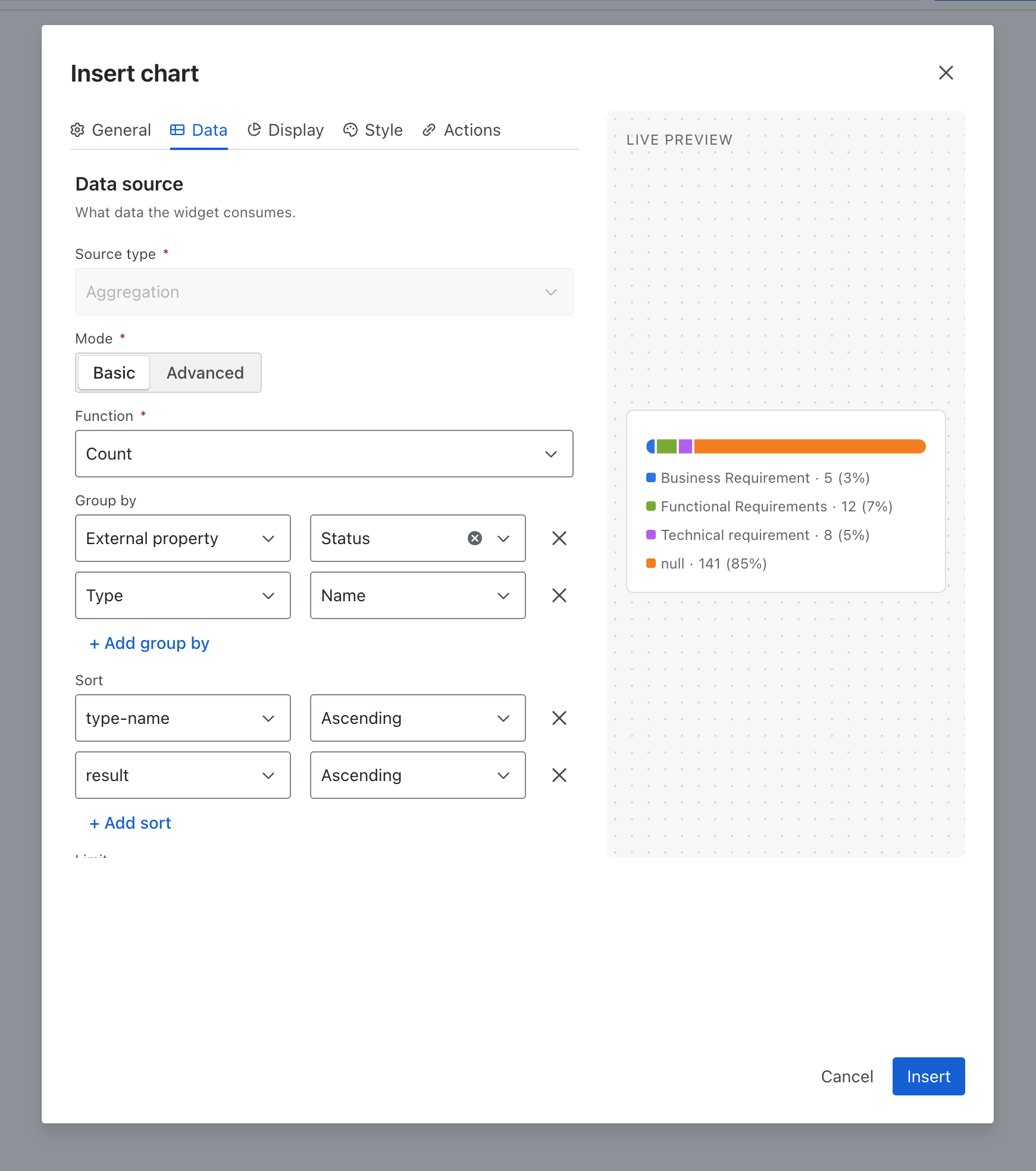
We have just released the ‘Requirement Yogi Charts’ macro. This will let you add Charts in your pages.
-
In a confluence page: type
/reqor/charts. -
You will then be able to create the chart of your choice.
Read more information in the documentation.
|
|
Improvements XRay Integration in the Traceability Matrix
Good news! The XRay team has made some updates to their APIs, which now allow us to include more information from tests in the Traceability matrix.
-
Link your requirements to Xray tickets (tests and more)
-
Go into the Traceability tab and display Jira issues > Xray Tests, test cases and results.
-
Find more information in the documentation.
We are open to add more information, so please share your feedback with our team if you have a use case we don’t cover yet!
NEW Yogi MCP
If you are using an LLM and would like to use AI between your Confluence work, requirements and Jira issues: We’ve released an MCP that you can connect to your favorite tool (Claude, Cursor, VS Code or more).
Here is more information: https://github.com/requirement-yogi/ry-ai-assistant/tree/9c523918cef6ba4ecd350bcb78082f31da292742 and Requirement Yogi MCP - Use AI with requirements .
-
When linked with Atlassian,
-
Create requirements in the RY format
-
Edit your documentation and transform your document directly in Requirement Yogi format
-
-
Or only with Requirement Yogi:
-
Search and find information on your requirement’s content (duplicates, change impacts and more)
-
Link your requirements to Jira issues
-