
Here is how we handle special cases in the HTML of your pages.
Native images of Confluence
We display the image.
We add a few attributes so you can rebuild the image in case the origin URL of the image doesn’t return it anymore (for example, if your server changes its Base URL).
<img class="rendered-by-requirement-yogi"
     data-attachment-content-type="image/png"
     data-attachment-id="20086785"
     data-attachment-name="abc.png"
     data-attachment-page-id="19239034"
     data-base-url="http://c9.2.6.local:2011/c-app"
     data-context-path="/c-app"
     src="http://c9.2.6.local:2011/c-app/download/attachments/19239034/abc.png?version=11&modificationDate=1772559538816&api=v2"/>
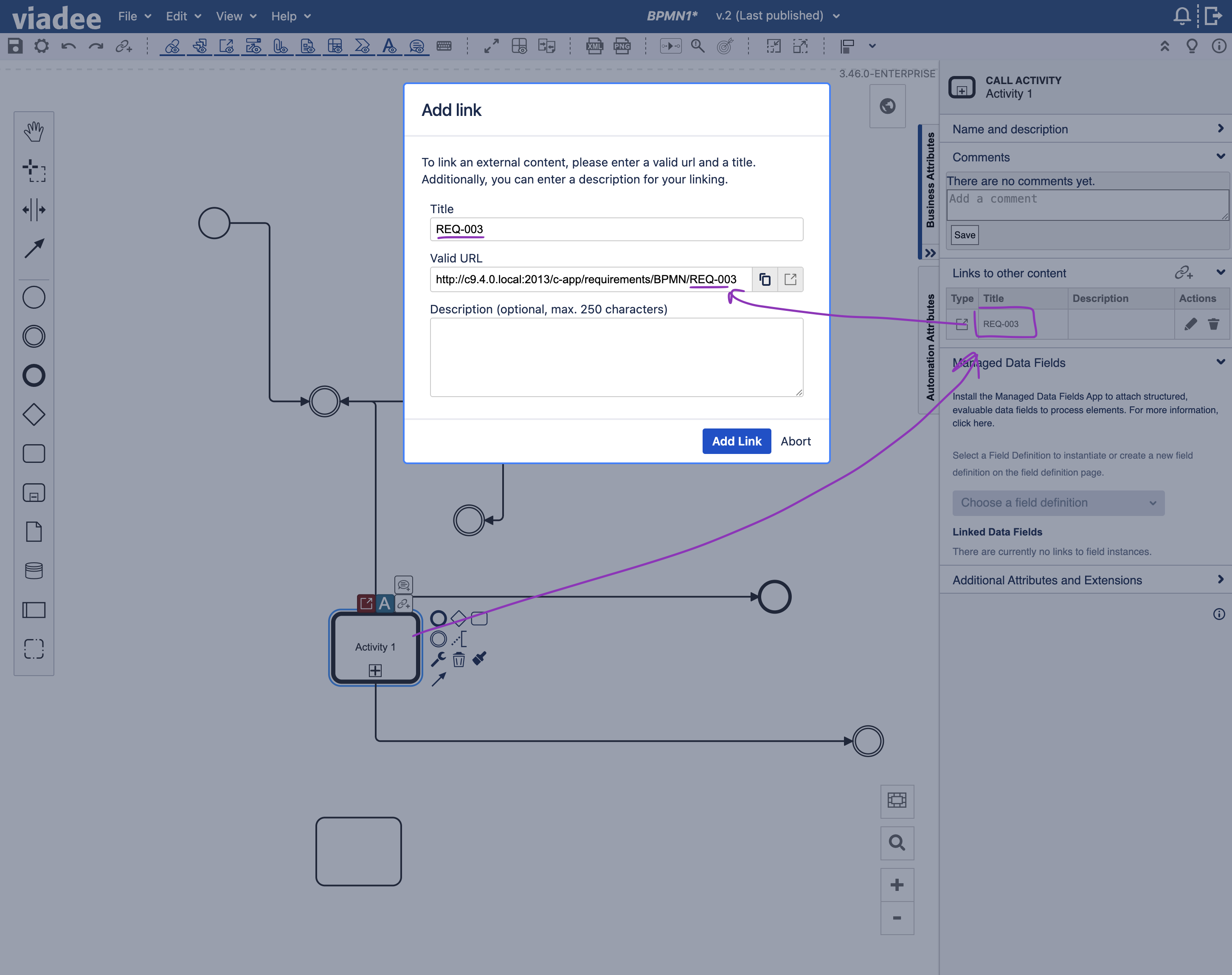
Viadee BPMN
We display the image.
If there are references to the canonical URL of a requirement, then we register it as a dependency of the current requirement.
See RY-1813 for more details.
PlantUML
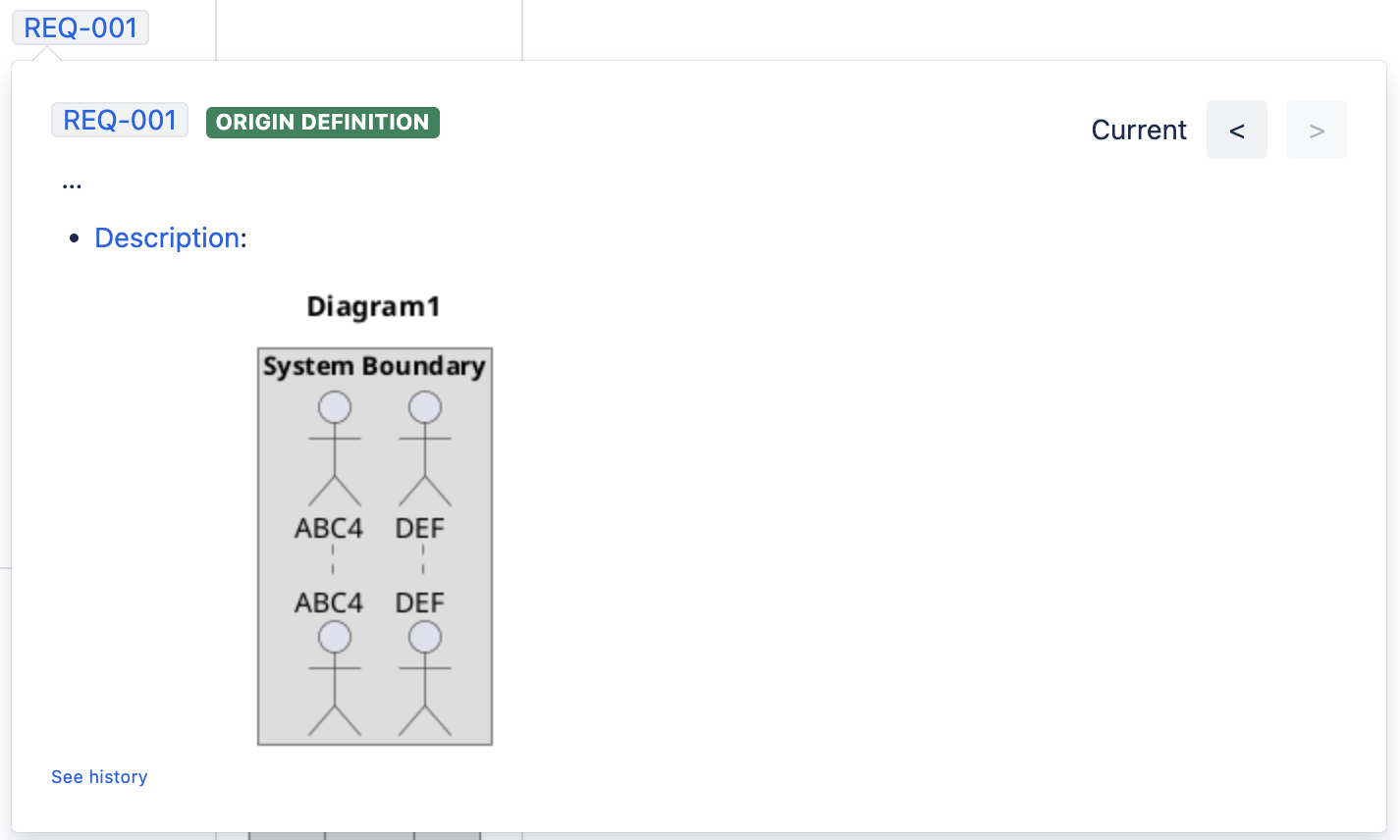
We display the image if the macro is configured with:
-
Exported as PNG,
-
With a name for the attachment.
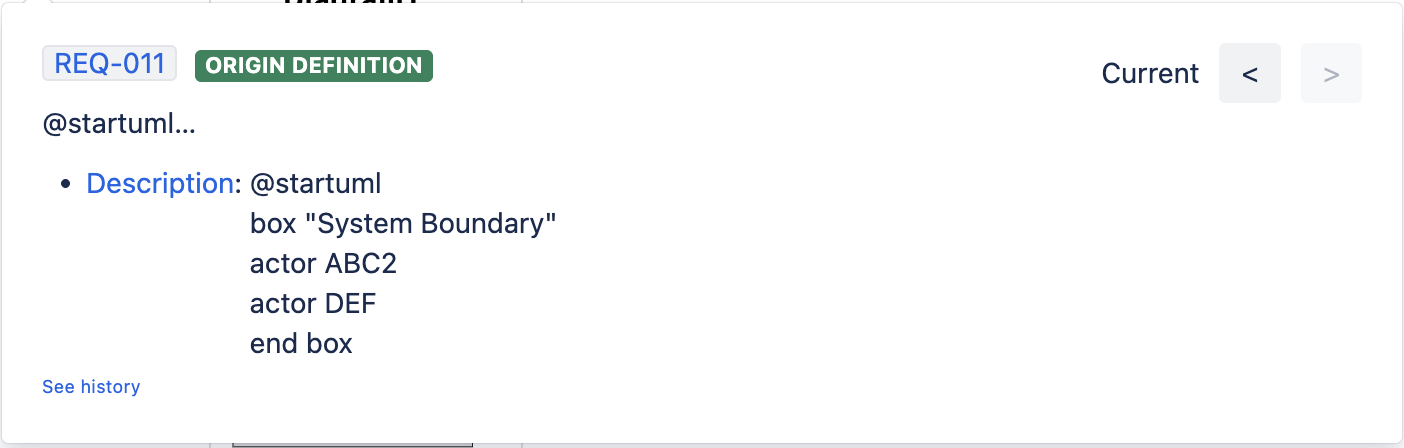
Otherwise we display the PlantUML language instead of the macro.
See RY-2033 for details.
If exported as PNG, the rendering adds some metadata to the images:
<img class="rendered-by-requirement-yogi"
     data-attachment-content-type="image/png"
     data-attachment-id="20086785"
     data-attachment-name="abc.png"
     data-attachment-page-id="19239034"
     data-attachment-version="15"
     data-base-url="http://c9.2.6.local:2011/c-app"
     data-context-path="/c-app"
If not exported as PNG:
Scaffolding
We’ve added some support to Scaffolding macros, with quite a lot of success. Please test your own usecases for reference.