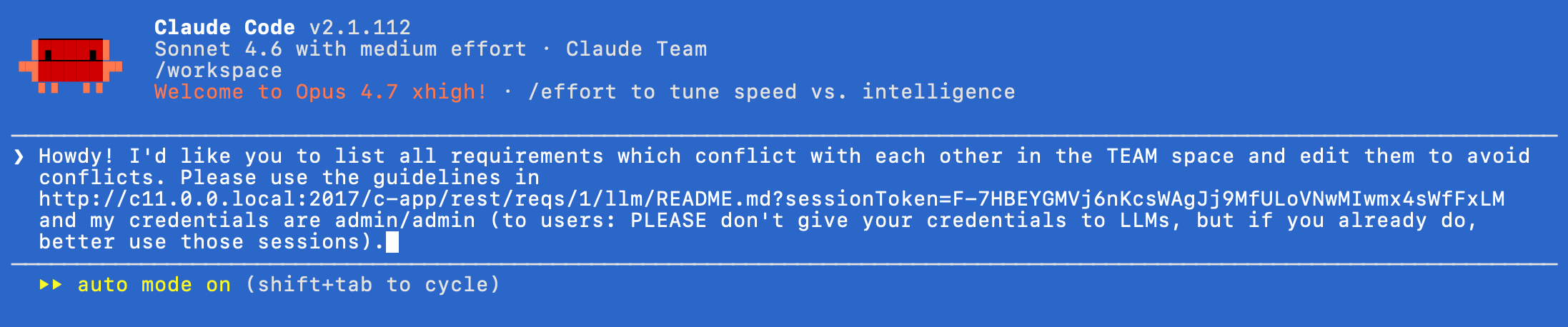
In Requirement Yogi 4.7, we’re introducing REST Sessions. This page is for humans and discusses what README to provide to LLMs to use Requirement Yogi.
The feature was developed on RY-2109.
The idea
AI vendors claim LLMs have 10% chances of causing humanity’s extinction by 2030. Do AI vendors also build LLMs which constantly try to escape their sandbox? Yes. Users often provide their credentials to LLMs, which is a nightmare for enterprise security.
We’re introducing user sessions:
-
We are not bypassing Confluence’s native authentication,
-
We are not bypassing Confluence’s permissions,
-
We are not providing a foolproof method to prevent LLMs from escaping their guiderails,
-
We are providing a way for users to provide partial access to the REST APIs, for example with read-only or read-write criteria, isolated by LLM session.
How it works
Administrators
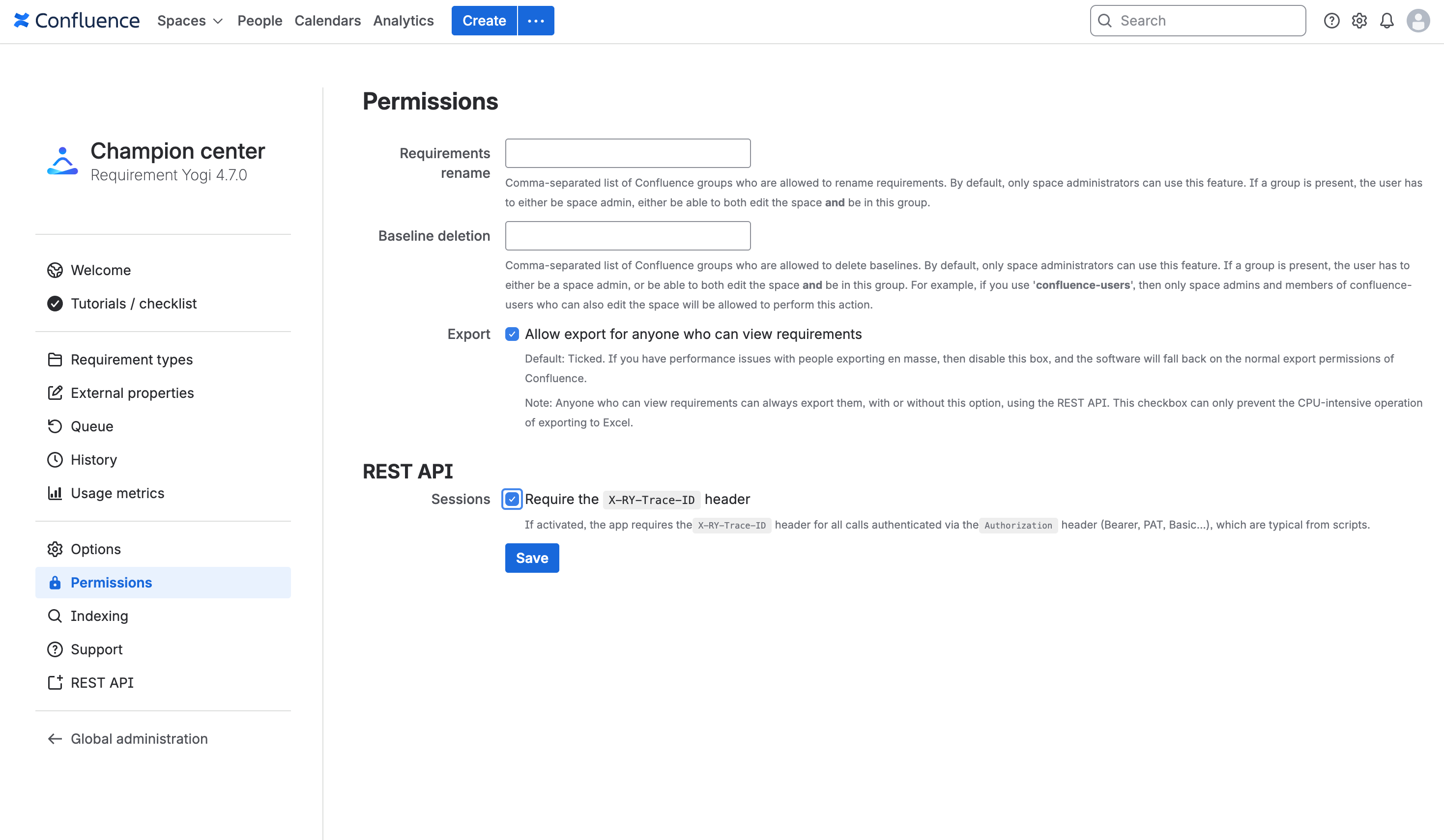
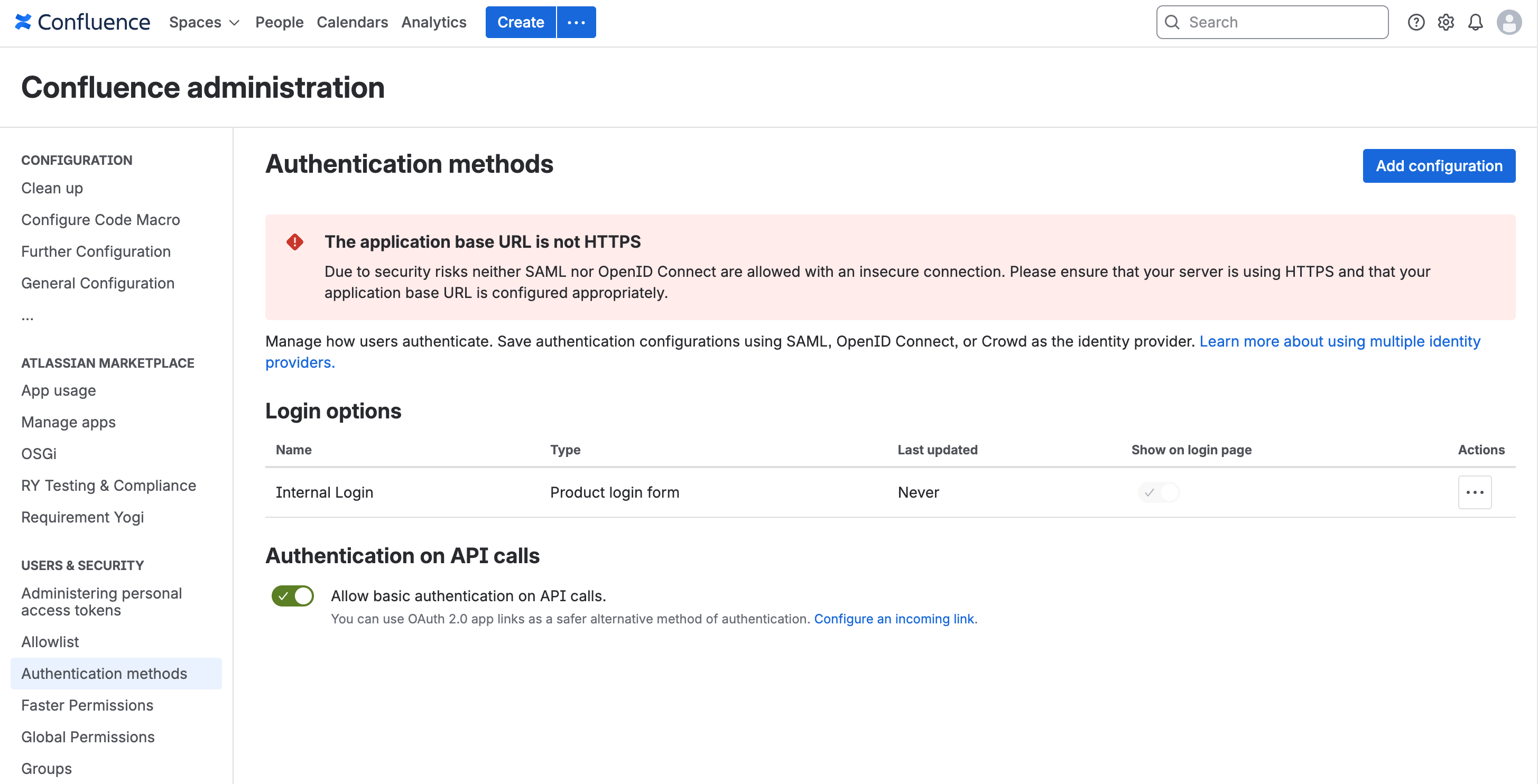
To use this feature, administrators must enable the feature in the Champion Center. Before this steps, Confluence administrators also control in the native administration whether users can use the REST API at all, and whether they can use either the Basic Authentication or OAuth for that.
Users
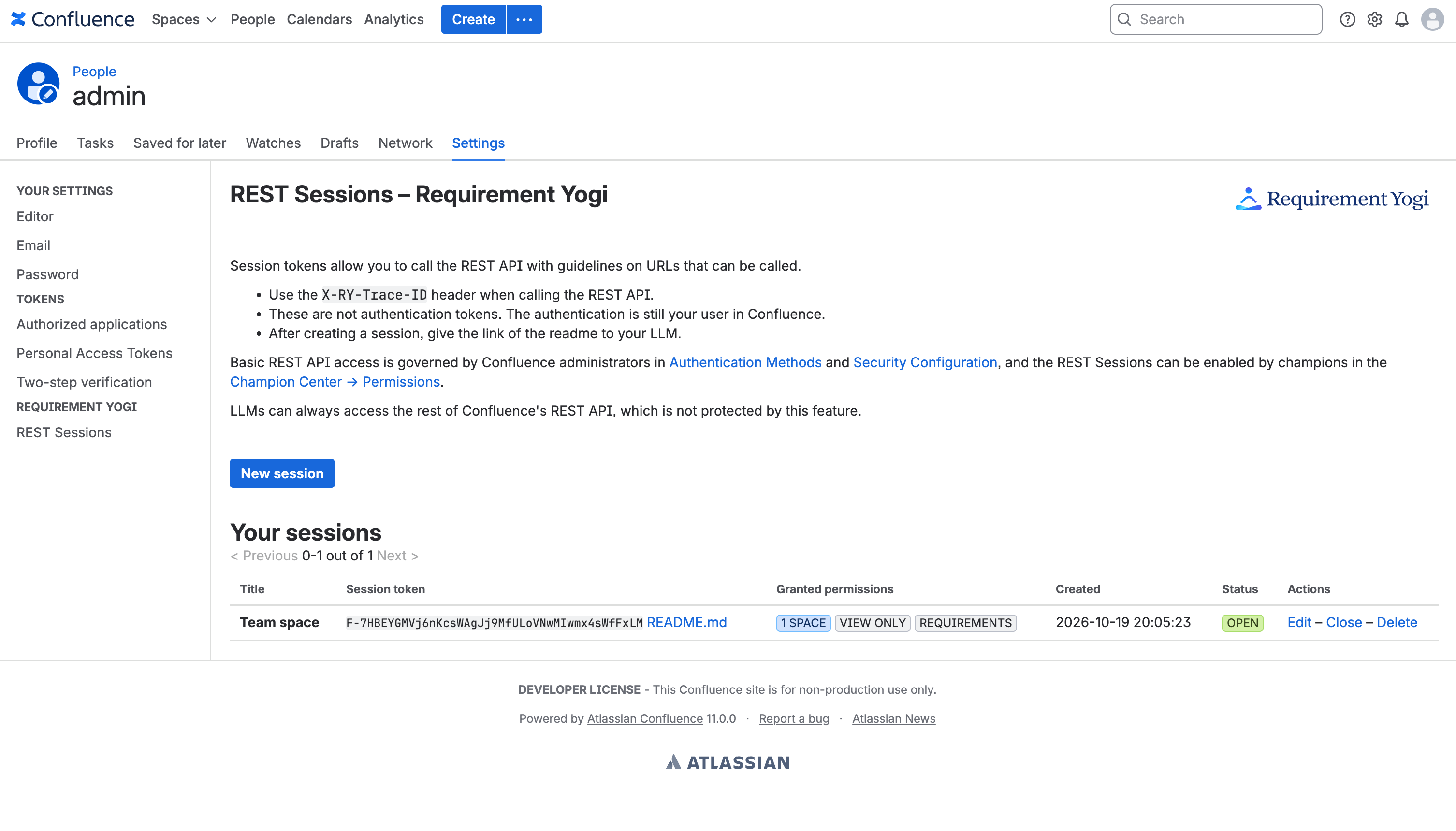
Users can go to a specific screen, /requirementyogi/personal-rest-sessions.action, to create sessions and specify the scope.
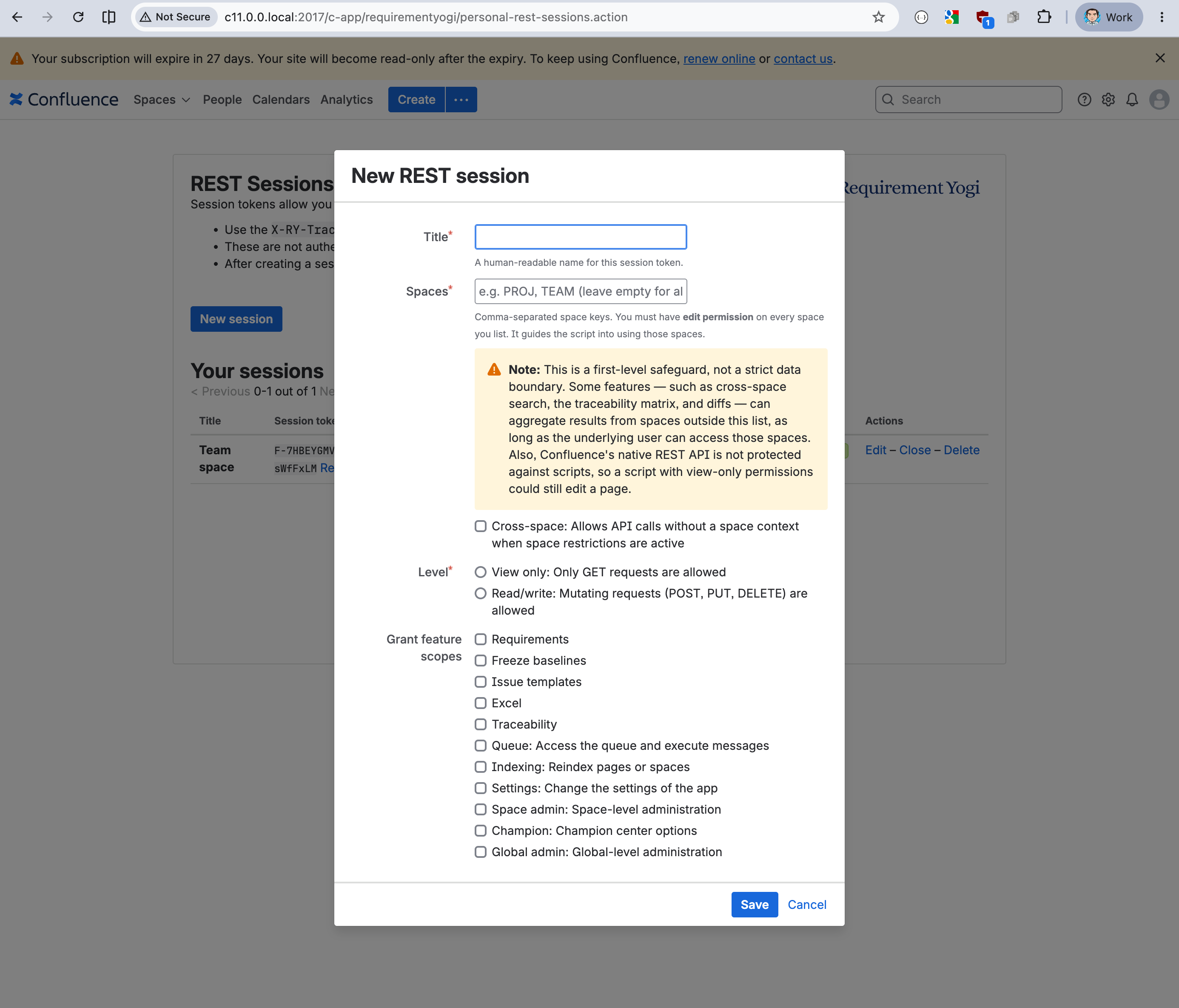
Once the session is created, users are given a link to a README.md that they can give to their LLM.
LLMs
Note: Providing your credentials to LLMs should be forbidden in all companies for security reasons, but if you do, please use those sessions.